
The Latency Imperative: Why Instant Sound is the Secret to Better Music Practice
Published on September 29, 2025
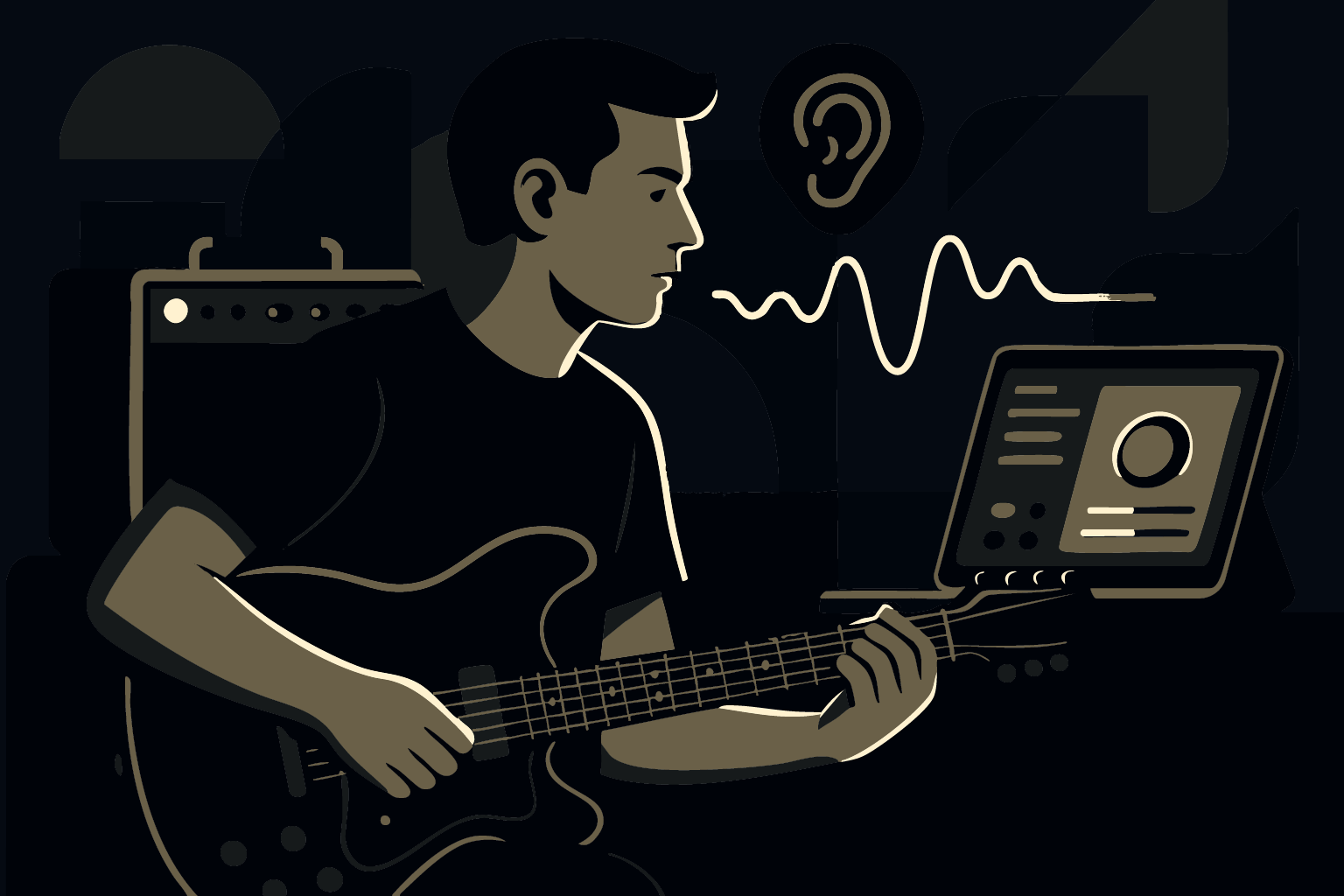
For any guitarist, singer, or musician using a digital tool, whether it's a practice amp model, a pitch corrector, or a smart looper, the feedback must be instant. If you strum a chord and hear the effect even a tiny fraction of a second later, your brain registers it as wrong. This small delay, called latency, is the single greatest obstacle to effective digital music learning.
The solution isn't finding a faster Wi‑Fi connection; it's using the powerful processing already built into your device. Here is why apps designed for Apple hardware are essential for real-time music learning, and why relying on the internet or a browser simply doesn't make the cut.
1. The Critical Speed Limit: Why Your Ear is Unforgiving
The human ear is highly sensitive to timing. When you practice, your brain automatically corrects timing errors based on what you hear. If that sound is delayed, your brain gets confused, and the practice session becomes counterproductive.
The 25–30 ms Threshold
Studies on how musicians perceive time confirm that there is a strict limit. If the sound delay goes above 25–30 milliseconds (ms), musicians have to work extremely hard just to stay in time, which instantly drains their mental energy away from focusing on technique or creativity.1
Our internal testing with beta users showed that for a practice experience to feel truly natural, where the processed sound feels exactly like a real amp in the room, the delay must be within the 15–20 ms range. We call this the “invisible zone.” By keeping the delay this low, your brain can focus 100% on playing, not on timing correction. If you are using digital tools, aiming for anything slower than 20 ms means you are fighting your own biology.
2. The Great Divide: App vs. Browser
When you use a digital music tool, where the processing happens makes all the difference in speed, consistency, and reliability.
Browser Apps: Too Many Barriers
- Browser Overhead: The browser itself is an extra layer that adds lag to your sound. It restricts direct access to the fastest parts of your device, making it slower than a dedicated app.
- Unreliable Timing: Browser audio can degrade slowly over time. Problems like small timing issues or clock drift can build up, causing the sound to slowly lose sync or introduce distortion that is nearly impossible to fix.
- Cloud Dependency (The Distance Problem): If the app tries to use the cloud for heavy lifting, your data has to travel long distances to a remote server and back.23 Even at the speed of light, that round trip can blow your 25–30 ms budget.
Native Apps: Direct, Fast, and Local
A native app is built for its operating system and can access the right low‑latency audio paths and hardware acceleration. Here’s a quick comparison:
| Feature | Native App (On-Device) | Browser App (Web Audio) |
|---|---|---|
| Speed/Lag | Minimal delay. Uses system tools designed for low-latency audio. | Experiences input lag because it runs inside the browser, adding overhead. |
| Reliability | Consistent timing guarantees for audio. Sound quality is stable. | Audio can slowly degrade due to timing irregularities; difficult to debug. |
| Hardware Power | Full access to specialized speed components (Neural Engine). | Limited by the browser, restricting access to key, fast parts of the device. |
| Best For | Real-time performance, serious practice, and complex effects. | Simple, non-timing-critical tasks and quick utility use. |
3. The Apple Advantage: Your Device is a Powerhouse
The secret to a truly fast, reliable experience is Edge AI. This is an architectural concept where the application shifts the heavy DSP and inference from distant cloud servers directly onto your device.4
Specialized Speed for Sound
To run complex effects instantly, we rely on specialized components built into your device. The Apple Neural Engine, for instance, is designed for massive parallel computation needed by modern ML.5 By placing processing on the device itself (a concept called data locality6), we neutralize the internet as a source of delay. Your guitar signal and the processing unit are in the same location, making the feedback loop near-instantaneous. The total delay (round‑trip time, or RTT) drops dramatically, bypassing the unavoidable cost of physical distance.7
Privacy and Future‑Proofing
- Privacy by Design: Your sensitive performance data never leaves your device, aligning with strict rules like GDPR.5
- Model Optimization: Advanced techniques like quantization reduce compute cost while preserving quality, helping effects stay well below the 25–30 ms perceptual threshold.5
For guitarists and other musicians, the choice is clear: to ensure your practice is effective, your app must be built as a native, on‑device experience that leverages the specialized power of your hardware. This guarantees the speed and consistency needed to make digital practice truly productive.
Works Cited
- MDPI. “The Impact of Audio Delay and Quality on Quality of Experience in Networked Music Performance.” Published July 28, 2025. Accessed September 29, 2025. https://www.mdpi.com/1999-5903/17/8/337
- Ultimate Ears. “The Ultimate Guide to Remote Musical Collaboration.” Accessed September 29, 2025. https://pro.ultimateears.com/blogs/pro/the-ultimate-guide-to-remote-musical-collaboration
- Noction. “Network latency and its effect on application performance.” Published August 7, 2015; updated April 26, 2023. Accessed September 29, 2025. https://www.noction.com/blog/network-latency-effect-on-application-performance
- IBM. “Edge AI vs. Cloud AI: Which Is Better?” Last updated September 4, 2025. Accessed September 29, 2025. https://www.ibm.com/think/topics/edge-vs-cloud-ai
- Tech Research Online. “How On-Device AI Is Changing SaaS Compliance Models.” Published September 11, 2025. Accessed September 29, 2025. https://techresearchonline.com/blog/on-device-ai-saas-compliance/
- Dremio. “What is Data Locality?” Published September 19, 2023; updated January 29, 2025. Accessed September 29, 2025. https://www.dremio.com/wiki/data-locality/
- Amazon Web Services. “What is RTT in Networking? Round Trip Time Explained.” Accessed September 29, 2025. https://aws.amazon.com/what-is/rtt-in-networking/